GUIFX Studio
Build the menu before you open Minecraft.
Choose the GUI, add your artwork, snap widgets to the real top-inventory grid, adjust frames, inspect the generated configuration, and export a project ready for plugins/GUIFX/.
Live preview
Untitled GUIFX project
Vanilla base: generic_54.png
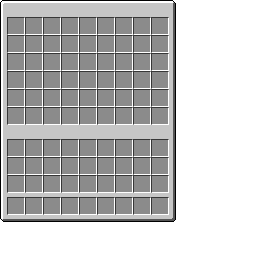 GUIFX Menu
Add a widget to place it onto the real top-inventory grid.
Generated theme.yml
id: guifx_project
display-name: "guifx_project"

overlay:
  enabled: true
  rows: 6
  mode: static

  image: static/guifx_project.png

  size:
    width: 256
    height: 256

  position:
    offset-x: -8
    offset-y: 0

title:
  enabled: true
  use-original-title: true
  text: "{original_title}"

transitions:
  open:
    enabled: false
    frames: []
    interval-ticks: 2
    animation-speed: 1.0

click-feedback:
  enabled: true
  slots: []
  mode: static
  image: static/guifx_project_click.png
  slot-images: {}
  frames: []
  duration-ticks: 12

slot-widgets:
  enabled: false

  layout:
    preset: chest_6

  widgets: {}
What Studio exportstheme.yml, menu.yml, plus every selected overlay and widget PNG in the correct GUIFX folder layout.
What it does not fakeStudio begins with the real default Minecraft PNG for the selected GUI type. Your uploaded overlay and widgets sit above that native reference; a later screenshot layer can add your exact third-party menu contents.